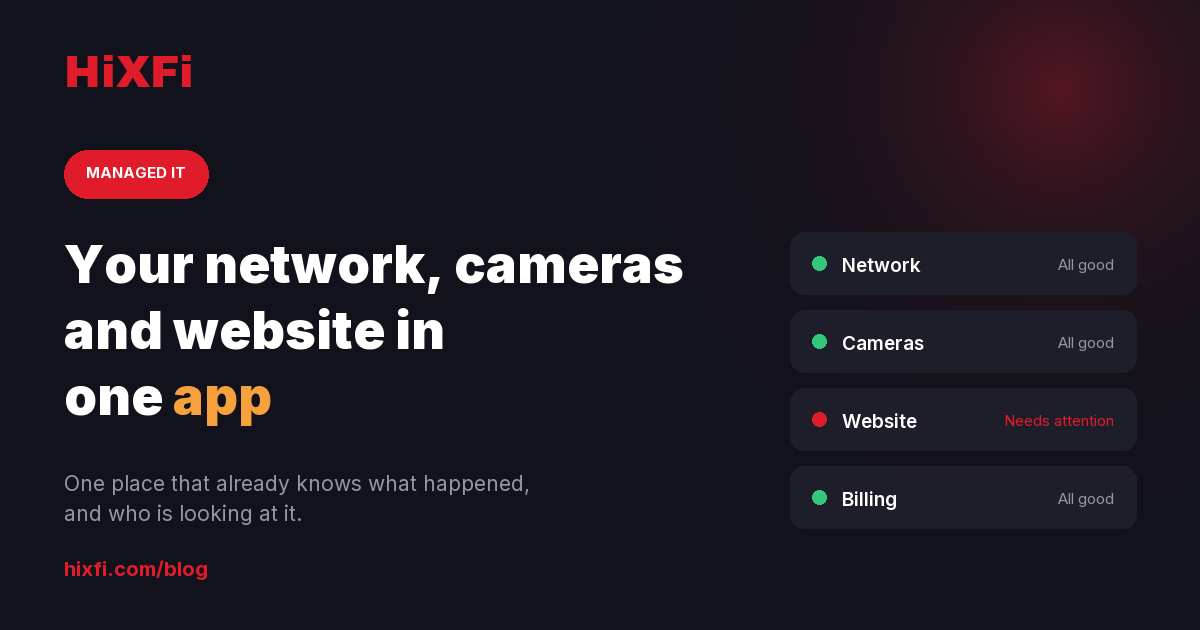
Your network, cameras and website in one app
The card reader stops working at midday on a Saturday. You do not know whether it is the Wi-Fi, the router, the internet provider or the reader itself, so you call three numbers and each one tells you it is somebody else’s problem. That is not a technology problem. It is a problem of nobody watching, and of nobody owning the gap between one vendor and the next.
The problem is not the network. It is that you find out first
In a small business the network is only visible when it breaks. While it works, nobody thinks about it. When it fails, the person who discovers it is the customer standing there waiting to pay.
That part is fixable. We do not stop your internet provider having an outage, nobody can. What can change is who notices, how soon, and how long it takes before somebody is actually working on it.
What you see in the app
Every location we manage shows up as a card. On each one:
- Whether it is online. If the console stops reporting, we flag it. That nearly always means the location has lost internet.
- How many devices are connected right now, over Wi-Fi and wired.
- Reliability, as the percentage of time your connection stayed up.
- The last seven days, as a strip of bars, so an outage does not get missed just because it happened late on a Tuesday.
- How many devices are down, if any, rather than a vague “something is wrong”.
It is polled every fifteen minutes. It is not a screen you are meant to sit and watch: it is a record that already exists by the time you need it.
If you run two or three locations you see them side by side, on one screen. That is the difference you feel most as the business grows, when you stop having a network and start having several.
Why it matters that it sits next to everything else
The network on its own does not justify opening an app. What justifies it is what sits beside it.
In the same app are your cameras, your website health with its backups and certificate, the performance and traffic for that site, your invoices and estimates, and any open support tickets.
That is not a feature list. It is the difference between four vendors who do not talk to each other and a single thread where what happened, and who is looking at it, is already written down. When the card reader dies on a Saturday, you are not rebuilding the story from scratch over the phone.
What this is not
Worth saying plainly, because a lot of marketing in this industry does not.
We do not replace your internet provider and we do not prevent their outages. Taking payments through a provider outage needs backup internet, which is a separate service and has to be installed.
Monitoring is not repair: it tells you what happened and shortens the response, it does not remove it. And the native app is iPhone only for now; on Android you use it from the browser, with everything the same inside.
How to start
If you are already a customer, your network section is in the app as soon as we connect the hardware at your location. If you are not, the first step is not a proposal: it is a fifteen-minute conversation about what you already have and whether it is worth touching.
You can request a proposal or call us on (321) 448-4318.