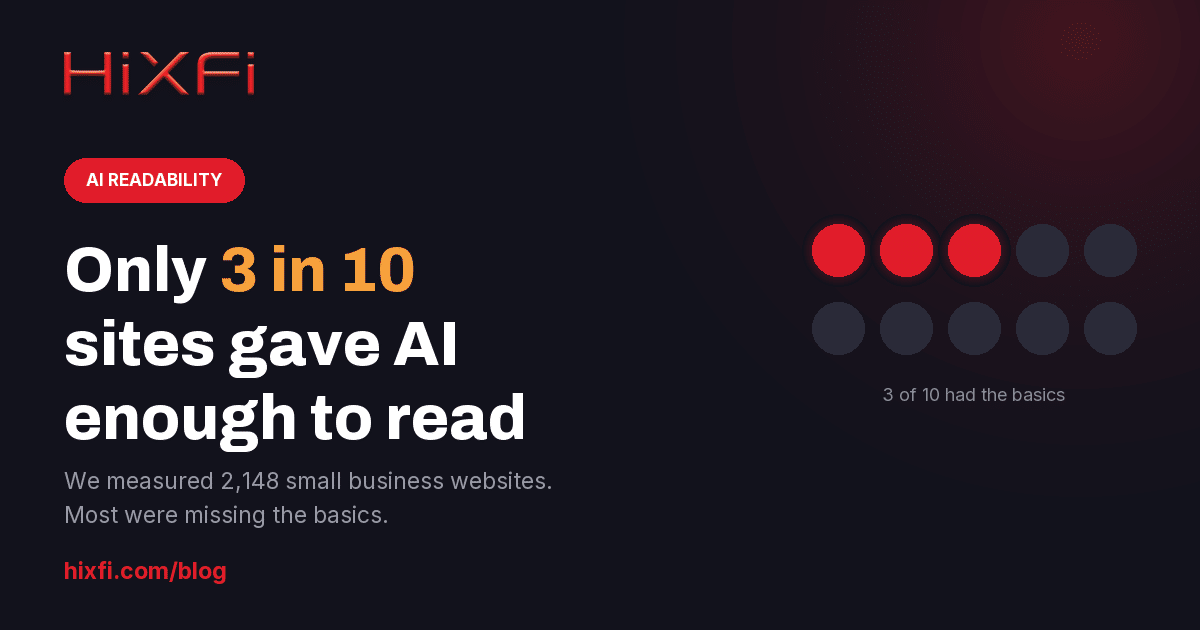
We checked 2,148 small business websites. Only 3 in 10 gave AI enough to work with.
When Google shows an AI Overview, the click-through rate for the first organic result drops by about 58%. Roughly two thirds of searches now end without anyone clicking anything. So the question for a small business is no longer just “do I rank.” It is: when a machine reads my website, does it find anything worth repeating? We measured 2,148 small business websites to find out. Only 3 in 10 gave it enough to work with.
What we actually measured
Between May 15 and September 23, 2026 we ran automated audits on 2,148 small business websites across 2,026 unique domains. These are audits HiXFi ran on small business websites across the United States, not a random slice of the web.
The audit fetches the homepage and reads the raw HTML the same way a crawler does, then checks the handful of fields that tell a machine what the page is: the title, the meta description, the headline, and the structured data that spells out your name, address and phone in a format software can parse.
The headline number
Share of sites with all four basics: a title, a meta description, exactly one H1, and structured data
n = 2,148 sites that returned a page. HiXFi site audits, May to September 2026.
What was missing
None of these are exotic. They are the fields every content management system has a box for, and they are the fields an AI assistant leans on when it decides whether it can describe your business confidently enough to name you.
Missing fields
How many small business homepages were missing each one
Measured on the homepage HTML. n = 2,148.
A third of them never show a phone number
This is the one we keep coming back to. On 34.7% of these homepages there was no phone number anywhere in the text of the page.
Sometimes the number is genuinely absent. More often it is there, but baked into a logo, a banner image or a header graphic, where a human sees it instantly and a parser sees nothing at all. That distinction did not cost you much when a person was going to land on your page and read it. It costs you a great deal when an assistant is answering “who fixes transmissions near me, and what is their number?” on your behalf, and has to pick between you and the shop down the road whose number is sitting in plain text.
Same page, two readers
What a visitor sees, and what the parser gets when the details live inside an image
No phone.
No address.
An illustration of the pattern, not a screenshot of a specific site.
One myth worth killing: robots.txt
A missing robots.txt file is not a problem. We want to be clear about this because our own first pass at the data got it wrong: if you have no robots.txt, crawlers are allowed to read everything, which is usually what a small business wants anyway.
The setting that actually hides you is a noindex instruction in the page itself, and it is rare: 54 sites, or 2.5% of the sample. Rare, but fatal, and almost always an accident left behind after a redesign, when someone forgets to untick “discourage search engines” in the settings. If you have had a new site built in the last year, it is worth thirty seconds to check.
And then the page takes 8.7 seconds
Here is why all of this compounds. Clicks are getting scarcer, so the ones that still arrive are worth more than they used to be. Those visitors land on this:
Loading speed
How long until the main content appears on a phone (largest contentful paint)
Median 8.7 seconds. n = 1,823 sites with a mobile speed measurement.
The median site took 8.7 seconds to show its main content on a phone. Only 4.2% were inside Google’s “good” threshold. Two out of five took longer than ten seconds, which is well past the point where most people give up and go back to the results page, or to the answer the AI already gave them.
What to fix, in order
- Put your phone number and address in the page text. Actual text, not part of an image. If it is in your logo or header graphic, add it again in the footer. This is the cheapest fix on the list and the one most likely to win you a mention.
- Add LocalBusiness structured data. Name, address, phone, hours, service area. This is the format assistants and search engines read first when they want to state a fact about you rather than link to you.
- Give every page one headline that says what you do and where. “Transmission repair in Orlando” beats “Welcome.” One H1, not zero and not five.
- Write a meta description for a person. Two sentences on what you do and who you serve. It is frequently the text that gets quoted back.
- Add an og:image so a shared link shows something other than a blank rectangle.
- Then deal with speed. It matters, but a fast page with nothing machine-readable on it still does not get cited.
The limits of this data
We would rather state these than have you find them.
- The sample is not random: these are sites we audited ourselves, so they do not represent the whole web.
- We measure the homepage, not the whole site. A business with a thin homepage and excellent service pages will look worse here than it deserves.
- We read the raw HTML, so a site that builds itself entirely in JavaScript can look emptier than it is. We checked whether that explained the missing headlines and it mostly did not: the no-H1 sites were normal-sized pages, and 57% of them carried structured data, so the markup was reaching us fine. The headline was simply absent.
- These fields are necessary, not sufficient. Having all four does not make you rank. Missing them makes you hard to quote.
We ran a smaller version of this study earlier in the year on seven Orlando businesses, and the pattern held then at a scale where we could read every page by hand. At 2,148 sites it looks the same, which is the part worth paying attention to: this is not a handful of neglected websites. It is most of them.
Want to see where your own site lands on these measures? Run the same audit on your site. It is free, it takes about a minute, and it checks every field described above.