Shoppers pull out their phones and search “coupons near me,” “clearance sale this weekend,” and “store deals in [city].” Independent shops and boutiques are squeezed between big-box chains and online prices, and what they need most is foot traffic. A retail deals site puts bargain hunters and nearby stores in the same place, and xFiDeals gives you the engine to launch one quickly.
Step 1: Choose a shopping niche and area
Own a corner of the map rather than the whole country. Focus on one city’s shopping district, or a category you know well: boutiques, thrift and vintage, home goods, or gift shops. A narrow focus is easier to rank for and far easier to sell to store owners.
Step 2: Stand up the site
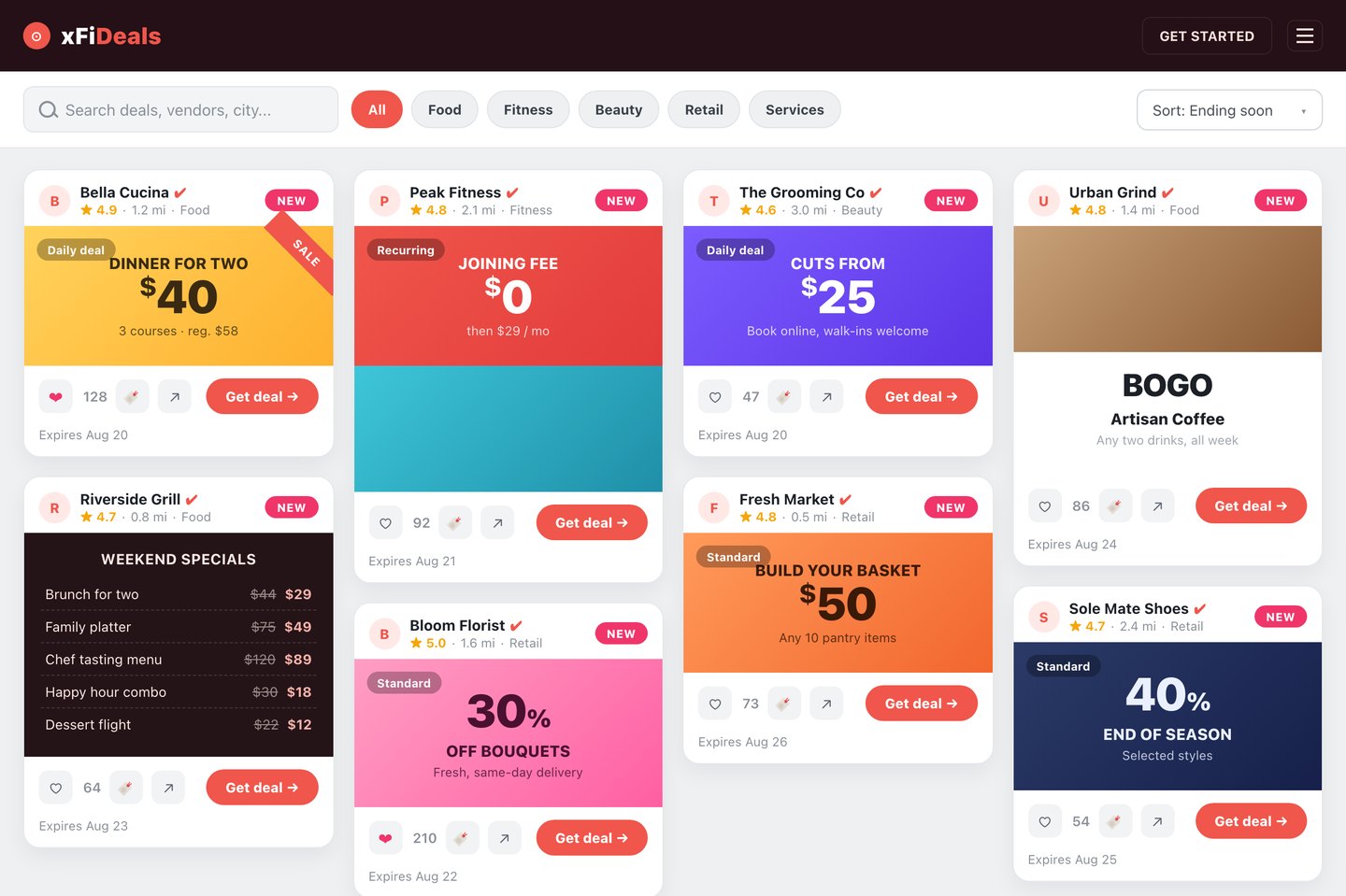
Spin up a WordPress site and drop in the xFiDeals feed as a single block. Brand it clearly, for example “Downtown Austin Store Deals, Updated Daily,” so a first-time visitor knows exactly what they will find.
Step 3: Recruit shops and load their offers
- Add each store and its current promotions.
- Tag every deal so it is findable: store type (boutique, home, gifts), deal type (percent off, BOGO, clearance, first-purchase, loyalty), and neighborhood.
- Set an expiration on each offer so stale sales drop off on their own.
- Point every deal button at the store page or its online shop, with tracking, so you can show owners real click numbers.
Step 4: Make it easy to browse
- Filters for category, neighborhood, and “open now.”
- A store-locator map so shoppers can plan a route.
- Save and like, so bargain hunters build a wishlist and come back.
Step 5: Win local search
- Lead titles with the keyword: “Austin Store Deals & Coupons, Updated Daily.”
- Show real freshness with an updated date and live counts.
- Add LocalBusiness and ItemList structured data.
- Build landing pages per category and neighborhood, such as “Boutique Sales Downtown.”
Step 6: Monetize
- Featured placements for stores that want the top of a category.
- A monthly listing fee, or commission on tracked redemptions.
- A sponsored “weekend deals” slot in your email and social.
- Display ads once traffic is meaningful.
Step 7: Grow the audience
- A weekly “best deals” email, since freshness is the hook.
- Short social posts of the week’s standout discounts.
- Give each store a link to its listing so it shares with its own followers.
Ready to build?
Local shoppers are already searching, and store owners already want foot traffic. With xFiDeals handling the feed, filters, map, and tracking, you focus on signing stores and driving visits.
A live deal feed, filters, a vendor map, click tracking, and simple single-site pricing, ready to launch your deals site.
Explore xFiDeals for Retail →Frequently asked questions
How much does it cost to start a retail deals site?
Very little: a domain, basic hosting, and the xFiDeals feed. The real work is signing up local stores, not building software.
Do I need to know how to code?
No. xFiDeals handles the feed, the store map, and click tracking. You embed it on WordPress and manage shops and offers from a dashboard.
Why would stores want to join?
A deals site drives foot traffic on slow days, and because every offer is tracked you can prove exactly how many shoppers you sent.
How does a retail deals site make money?
Featured placements, monthly listing fees or commission on redemptions, sponsored weekend-deal emails, and display ads as traffic grows.
Can I cover more than one shopping category?
Yes. Tag stores by category and neighborhood, and visitors filter to exactly what they want, from boutiques to home goods.